Redesign websites with AI
Review an existing site, choose a reasoned design direction and implement changes within its current stack, preserving approved content and working behaviour.
Redesign websites with AI while preserving the content and behaviour people already rely on. The elite-design-director skill routes critique, polish and larger redesigns through a project-aware workflow before making visual changes.
Colour, typography and layout choices need a reason tied to the brand. Local helpers support screenshots and focused checks, but a design score is not certification. Work that could not be rendered must be labelled static-only, and a preview does not authorise production publication.
What it does
- Choose the appropriate redesign depth
- Record brand elements that must survive
- Review existing colour, type and spacing tokens
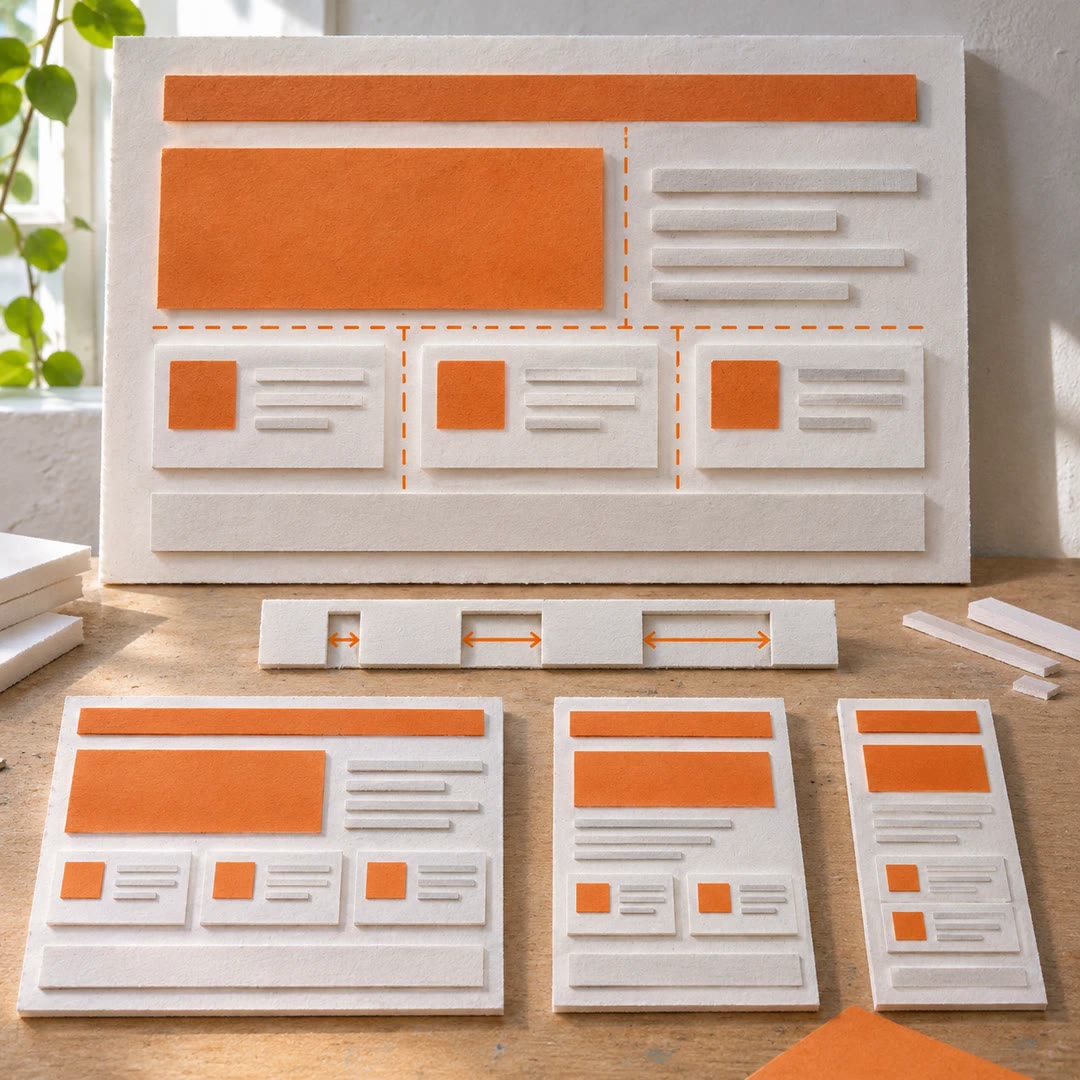
- Inspect responsive behaviour at real widths
- Prepare before-and-after comparisons
- Keep assumptions, placeholders and unperformed checks visible
Install and use
- Load the complete folder and references through the documented Claude Code setup. Retain the project’s own tools, with Node.js 22+ and Chrome or Edge for runtime checks; work on a local or preview copy.
- Ask: “Redesign our pricing page while preserving brand colours, URLs and demo-form behaviour. Show the weaknesses and two visual directions first, and publish nothing.”
- Agree the change depth and preservation ledger. If reference research is useful, specify accessible targets and usage boundaries; synthesis must not become copying.
- Inspect the running page at target widths, test controls and forms, and compare it with the original. Report gaps and skipped checks; a high score cannot cancel a serious failure.
FAQ
Source
Made by khizerahmadchohan. Original skill: elite-design-director, published on GitHub under the MIT licence.
View on GitHubRelated products
- SkillNew
Design interface components with AI
Build coherent buttons, forms and dialogs around existing tokens, with clear states and practical keyboard and responsive checks.
Free - SkillNew
Design landing pages with AI
Shape factual project material into page copy, colour, layout and restrained motion, preserving the existing brand and checking the built result locally.
Free - SkillNew
Improve interface layout with AI
Use consistent gaps, suitable widths and meaningful grouping to make a page’s priorities clearer across screen sizes.
Free