Apply flat colours in Krita with AI
Prepare uniform base-colour layers from clean lineart, preserving a backup and flagging ambiguous regions for an artist’s finishing work.
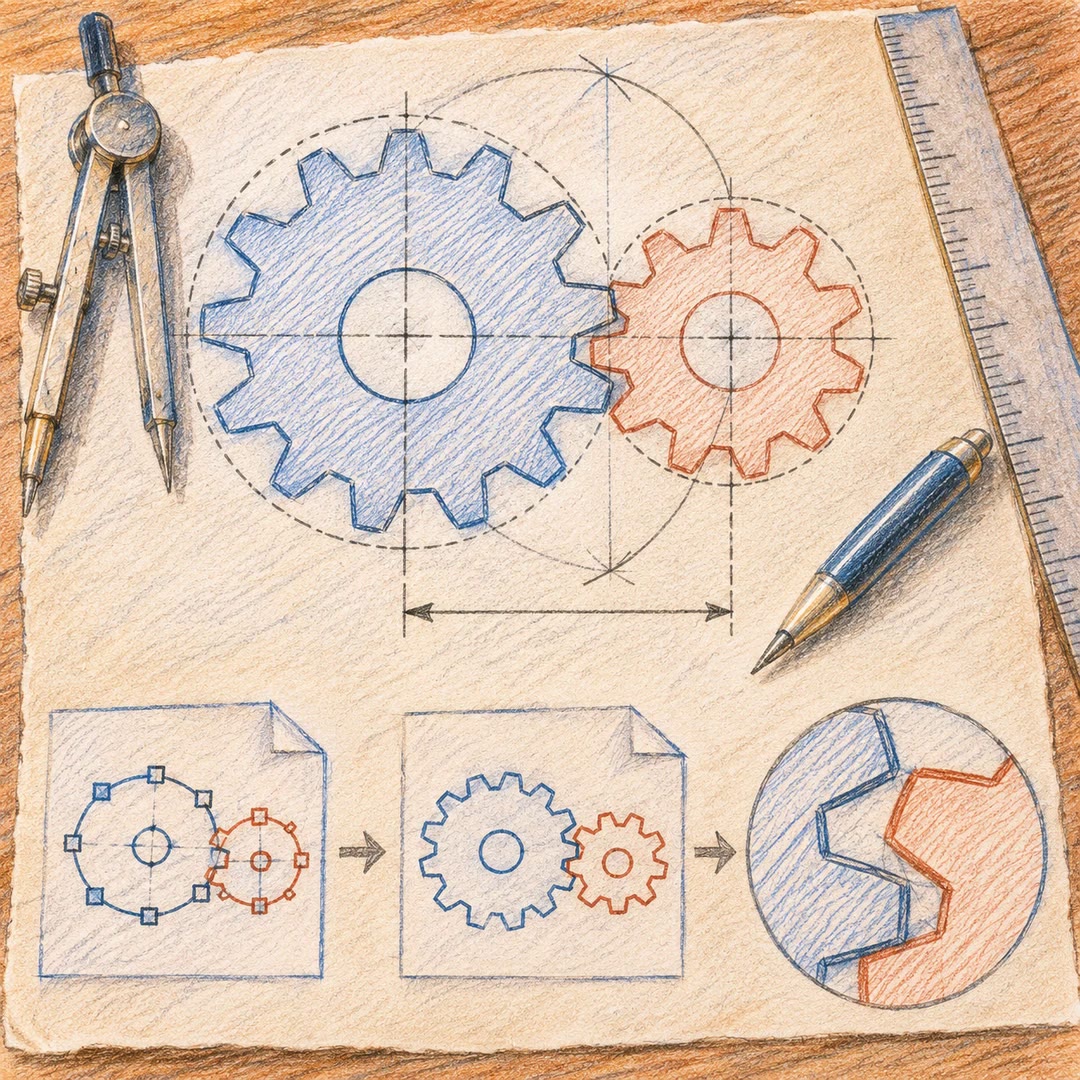
Apply flat colours in Krita with AI to prepare editable base layers rather than a finished painting. The krita-flat-colouring skill segments clean lineart into fill regions and organises uniform colours in separate layers for an artist’s next stage.
It preserves a protected lineart backup and records ambiguous areas for manual attention. Actual colouring requires the documented native Krita environment. Cross-platform dry runs produce plans and tool-call files, not a coloured canvas, while numerical uniformity checks still need a visual review.
What it does
- Assign base colours to enclosed regions
- Organise separate editable colour layers
- Preserve a locked lineart backup
- Flag open boundaries for manual correction
- Prepare diagnostic maps and uniformity reports
- Export execution plans without live painting
Install and use
- Prepare the complete folder and Python dependencies in a file/command-capable agent. Live fills require Linux, Krita 6.0.4 and the active native Krita MCP bridge; a dry run alone does not colour an image.
- Ask: “Prepare three flat colours for our character’s hair, skin and clothing. Preserve a lineart backup and add no shading or gradients.”
- Review the input, palette and region plan first. The document must meet the native route’s colour and size requirements, and uncertain boundaries must remain visible.
- After native execution, inspect the actual layers and exports alongside uniformity and spill reports. Leave unresolved small details for manual finishing.
FAQ
Source
Made by AshDawg. Original skill: krita-flat-colouring, published on GitHub under the MIT licence.
View on GitHubRelated products
- SkillNew
Illustrate Chinese articles with an agent
Find useful illustration positions, check permitted sources and add simple diagrams without rewriting the article around them.
Free - SkillNew
Create product-feature illustrations with an agent
Build a consistent flat feature illustration from local HTML templates, then inspect its connectors and thumbnail readability.
Free - SkillNew
Draw technical SVG illustrations with an agent
Explain one relationship through a restrained construction drawing, with editable SVG, a resolved export and an inspected preview.
Free