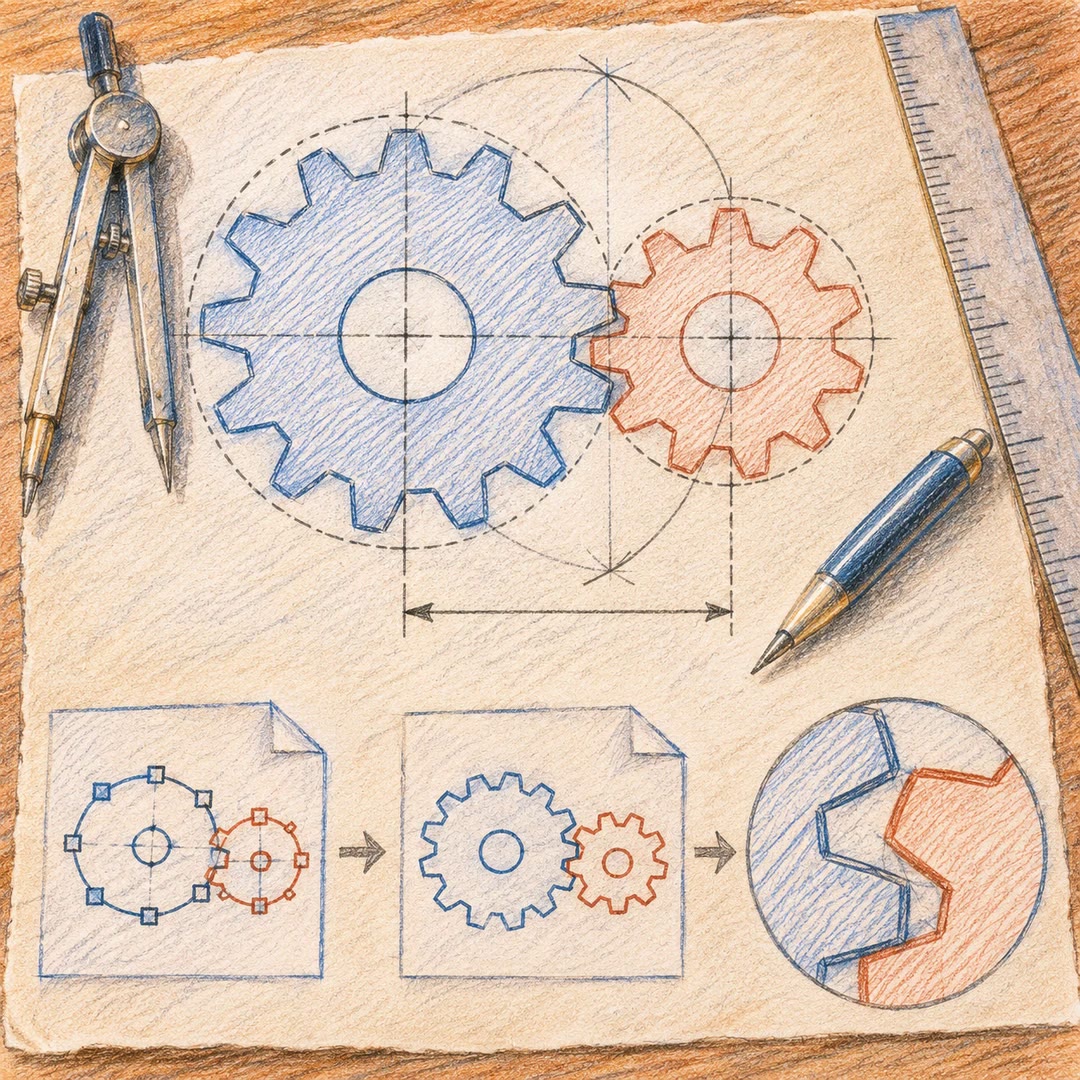
Create product-feature illustrations with an agent
Build a consistent flat feature illustration from local HTML templates, then inspect its connectors and thumbnail readability.
Create product-feature illustrations with an agent when a small website card needs to explain one software capability. The hwcloud-scene-image workflow builds flat, consistent artwork from HTML, CSS and inline SVG, using layered cards and a fixed blue-purple palette.
Ask, for instance, for a diagram showing one selected block changing while its neighbours stay put. The result is a schematic illustration, rather than a product photograph or an image-model generation. Keep the editable HTML and inspect the PNG at its intended thumbnail size. The template’s visual consistency does not establish that the feature description or connections are correct.
What it does
- Illustrate one software capability in a compact card
- Keep a series of feature images visually consistent
- Show a selected change within a small structure
- Inspect connector endpoints against the actual geometry
- Review readability at the destination thumbnail width
- Retain editable HTML for later text changes
Install and use
- Provide the complete folder to a file-capable agent with Python 3 and an installed Chrome, Edge or Chromium browser. Templates contain Chinese labels; other scripts and fonts need actual layout checks.
- State one feature and the relationship the image should communicate. Select a suitable flow, layered or editing-state template.
- Replace the concise labels and render the HTML. Retain its source, PNG and diagnostics, checking the reported dimensions rather than relying only on exit status.
- Inspect the full image and small preview, then repair the source and render again when needed.
FAQ
Source
Made by sunhaha369369. Original skill: hwcloud-scene-image, published on GitHub under the MIT licence.
View on GitHubRelated products
- SkillNew
Illustrate Chinese articles with an agent
Find useful illustration positions, check permitted sources and add simple diagrams without rewriting the article around them.
Free - SkillNew
Apply flat colours in Krita with AI
Prepare uniform base-colour layers from clean lineart, preserving a backup and flagging ambiguous regions for an artist’s finishing work.
Free - SkillNew
Draw technical SVG illustrations with an agent
Explain one relationship through a restrained construction drawing, with editable SVG, a resolved export and an inspected preview.
Free