Plan a newsroom calendar with AI
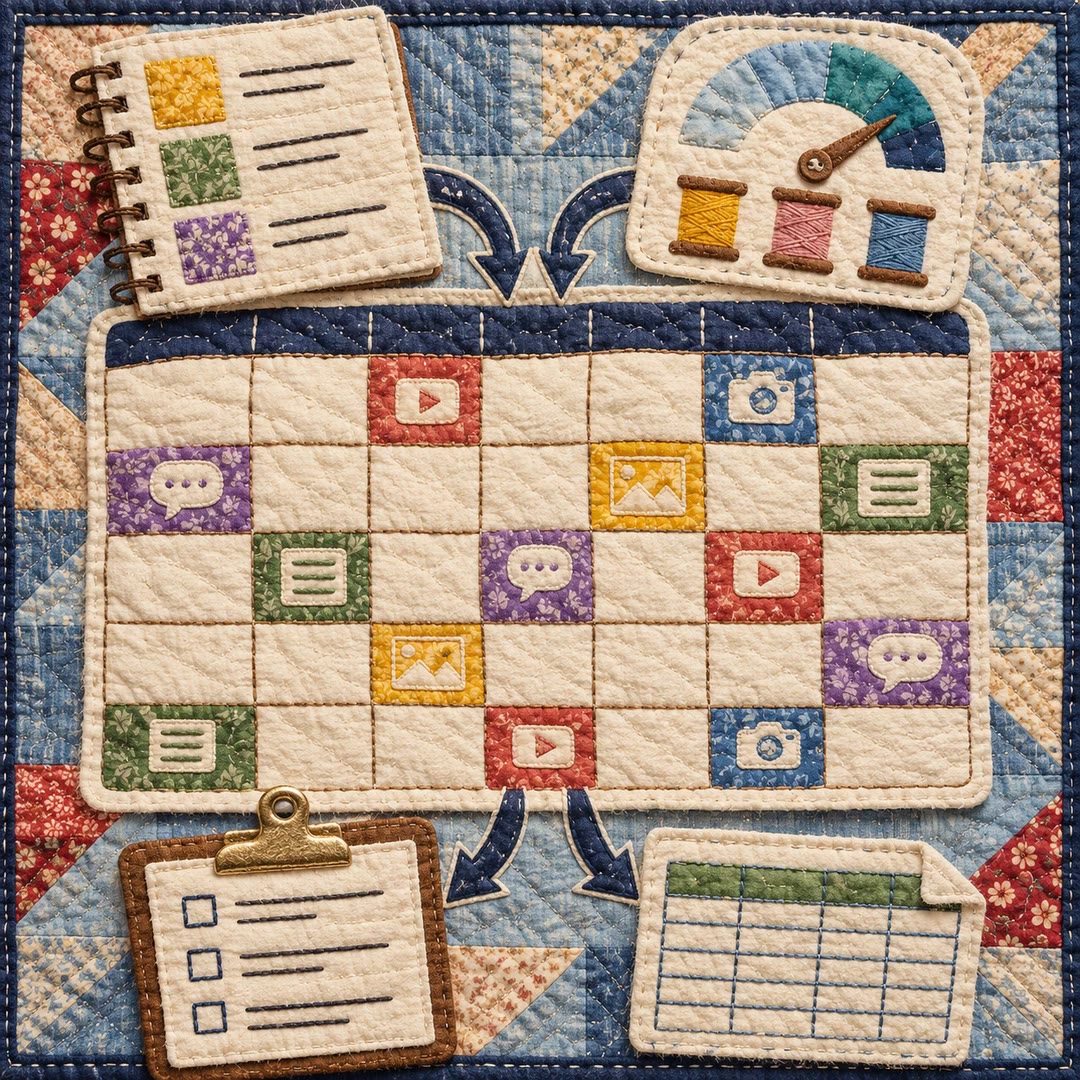
Keep assignments, deadlines and handoffs visible. Build a working calendar around the stages your newsroom uses, from the first pitch to post-publication follow-up.
To plan a newsroom calendar with AI, work backwards from the story readers are expecting. A weekend feature might have a publication slot but still be waiting for a photograph, a second edit and a final headline.
The editorial-workflow skill gives editors templates for assigning those responsibilities and recording handoffs. A daily brief and a long-running investigation can share a calendar while following different deadlines and review stages.
What it does
- Schedule a first draft, editing window and final sign-off separately.
- Keep a held story visible without treating it as ready to publish.
- Hand a draft to a copy editor with unresolved questions and required assets attached.
- Identify which stories depend on photography or another contributor’s delivery.
- Build an onboarding checklist that shows a new reporter who owns each handoff.
Install and use
- Install the skill in a writing agent and supply your story list, roles and target dates. Drafting the templates needs no publishing-system account.
- Ask, “Work backwards from Saturday’s feature and leave separate time for the reporter, photographer and copy editor.”
- Review the calendar with the team, fill unresolved handoffs and place approved assignments in your usual tracker.
FAQ
Source
Made by Joe Amditis. Original skill: editorial-workflow, published on GitHub under the MIT licence.
View on GitHubRelated products
- SkillNew
Build a content calendar with AI
Turn your themes and actual production capacity into a dated monthly plan, with platform formats, next actions and a CSV handover.
Free - SkillNew
Plan an article series with AI
Choose article topics and production order from existing research, with clear links back to the source material
Free - SkillNew
Content calendar planning with AI
Fit topics, formats and publication dates to the team’s actual capacity
Free