Compare brainstorming ideas with AI
Explore five angles on a problem, then compare three practical ideas and an unexpected alternative. Use effort, impact and risk to choose what deserves a closer look.
Compare brainstorming ideas with AI when the meeting has produced one obvious answer and everyone is already discussing how to build it. The brainstorm skill first reads the domain, preferences and constraints you have given your agent. It then approaches the question conventionally, in reverse, with minimal resources, with few limits and from the end user’s point of view.
For a small product launch, those passes might lead to different ways of helping someone try the product. The agent works through at least five possibilities and returns three leading options plus a wildcard. Effort, impact and risk are rough judgements to discuss with the team, rather than measurements of future performance.
What it does
- Find alternatives to the first familiar solution.
- Compare a minimal approach with a more ambitious one.
- Ask what customers would want if internal routines were set aside.
- Give a time-limited team three concrete options to discuss.
- Keep one unconventional possibility available for further exploration.
Install and use
- Install the skill in a file-capable agent. Put your domain and constraints in the workspace’s memory/user-profile.md file. Web search is optional.
- Ask, “We have one week and two people to introduce this product. Which approaches use those resources differently?”
- Compare the suggested options and choose one unknown to investigate before committing.
FAQ
Source
Made by Claude World. Original skill: brainstorm, published on GitHub under the MIT licence.
View on GitHubRelated products
- SkillNew
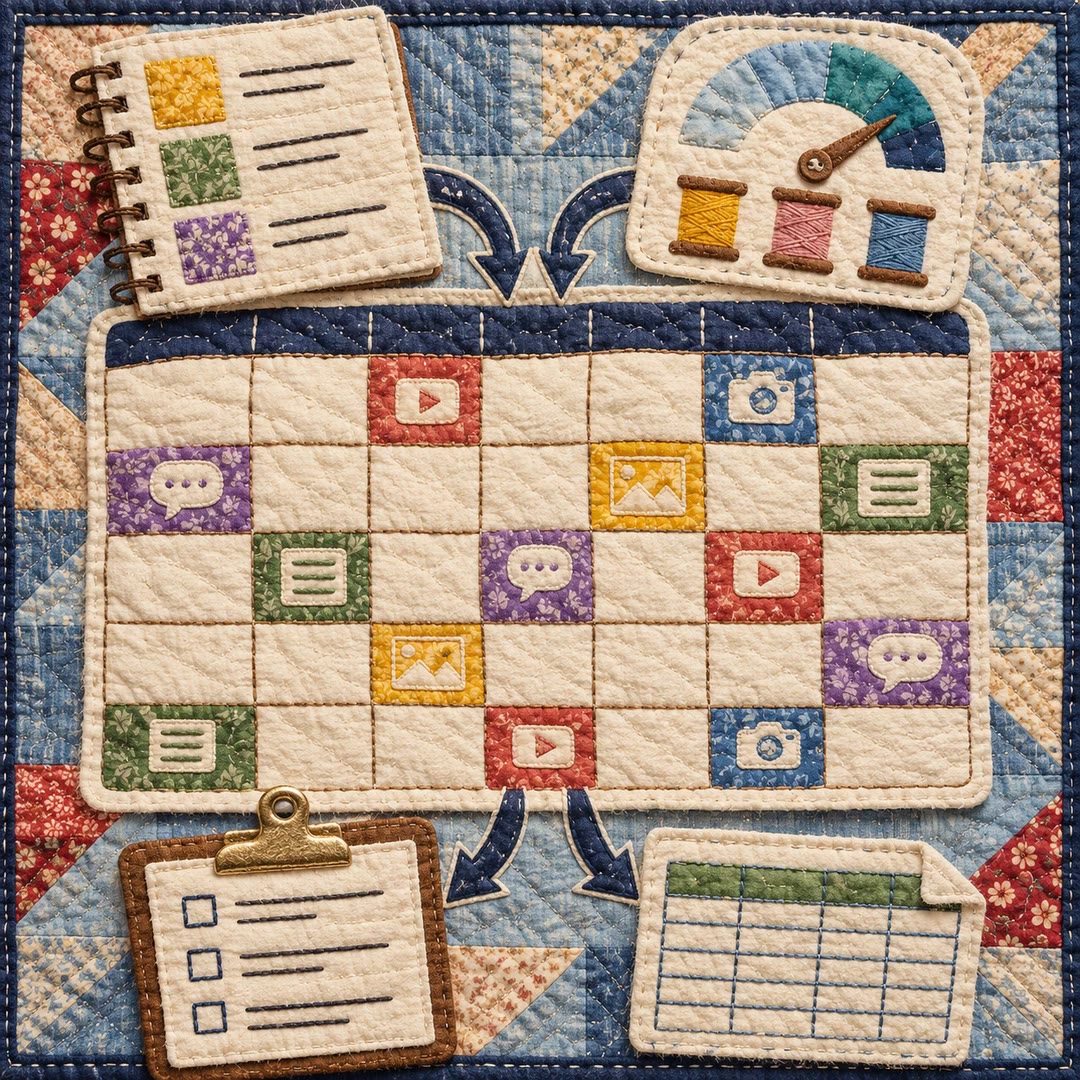
Build a content calendar with AI
Turn your themes and actual production capacity into a dated monthly plan, with platform formats, next actions and a CSV handover.
Free - SkillNew
Plan an article series with AI
Choose article topics and production order from existing research, with clear links back to the source material
Free - SkillNew
Content calendar planning with AI
Fit topics, formats and publication dates to the team’s actual capacity
Free