Tag product photos in ImageKit with AI
Tag catalogue photos from an approved vocabulary, fill existing metadata fields and give uncertain quality checks their own outcome in the media library.
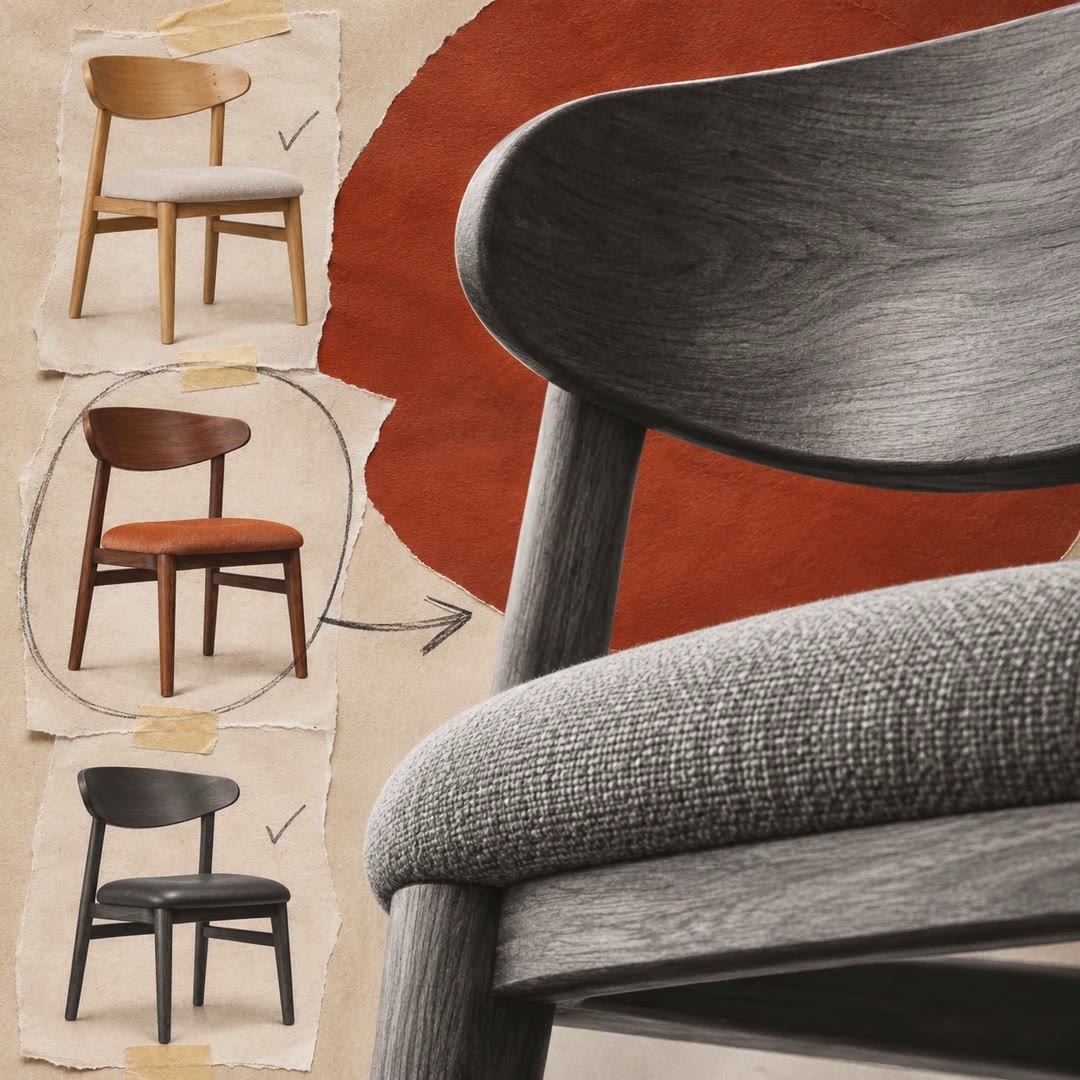
To tag product photos in ImageKit with AI, decide which labels your catalogue actually needs. A furniture shop might allow oak, walnut and painted finishes, alongside a separate flag for a photograph that cuts off the chair legs.
The ai-tasks skill helps the agent define those choices and what should happen after each result. It can write an existing custom field, apply several tags or route an uncertain quality check to manual review.
What it does
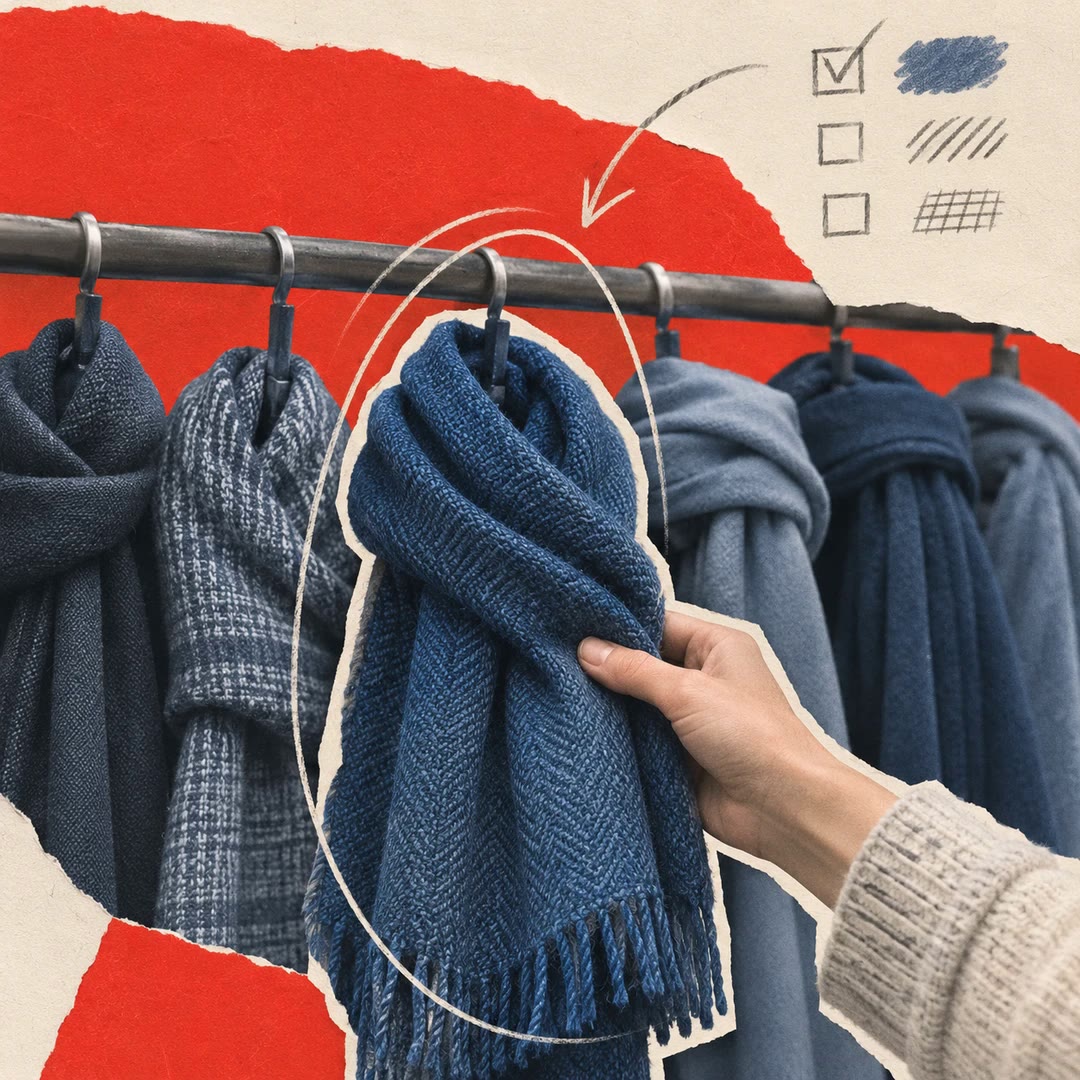
- Tag clothing photographs with the product categories that appear in the shop’s filters.
- Populate an existing field with a dominant colour drawn from approved values.
- Check whether a product is fully visible and flag unclear results for a person.
- Limit how many furniture categories can be added to a single room scene.
- Save the task for a batch, an upload workflow or assets matching a chosen path.
Install and use
- Install the skill and connect an ImageKit account with DAM and AI Tasks access. Create any intended custom metadata field first.
- Ask, “Tag each bag by material from this list, and mark images with a partly hidden product for review.”
- Check a small set of results before applying the task across the collection. Adjust overlapping labels and the unknown branch where needed.
FAQ
Source
Made by ImageKit. Original skill: ai-tasks, published on GitHub under the MIT licence.
View on GitHubRelated products
- SkillNew
Write a product listing with AI
Turn supplied digital-product facts into listing copy, packaging suggestions and clearly marked terms for review.
Free - SkillNew
Design storefront search with AI
Model sellable variants and consistent filters so a result leads to the size, colour and availability the shopper actually selected.
Free - SkillNew
Model product variants with AI
Decide what a customer buys, assign each sellable unit a SKU and check the catalogue structure before building an import.
Free