Check a notebook for browser use with AI
Inspect a marimo notebook before a WebAssembly release. Identify incompatible packages, local system assumptions and checks that still need a real browser.
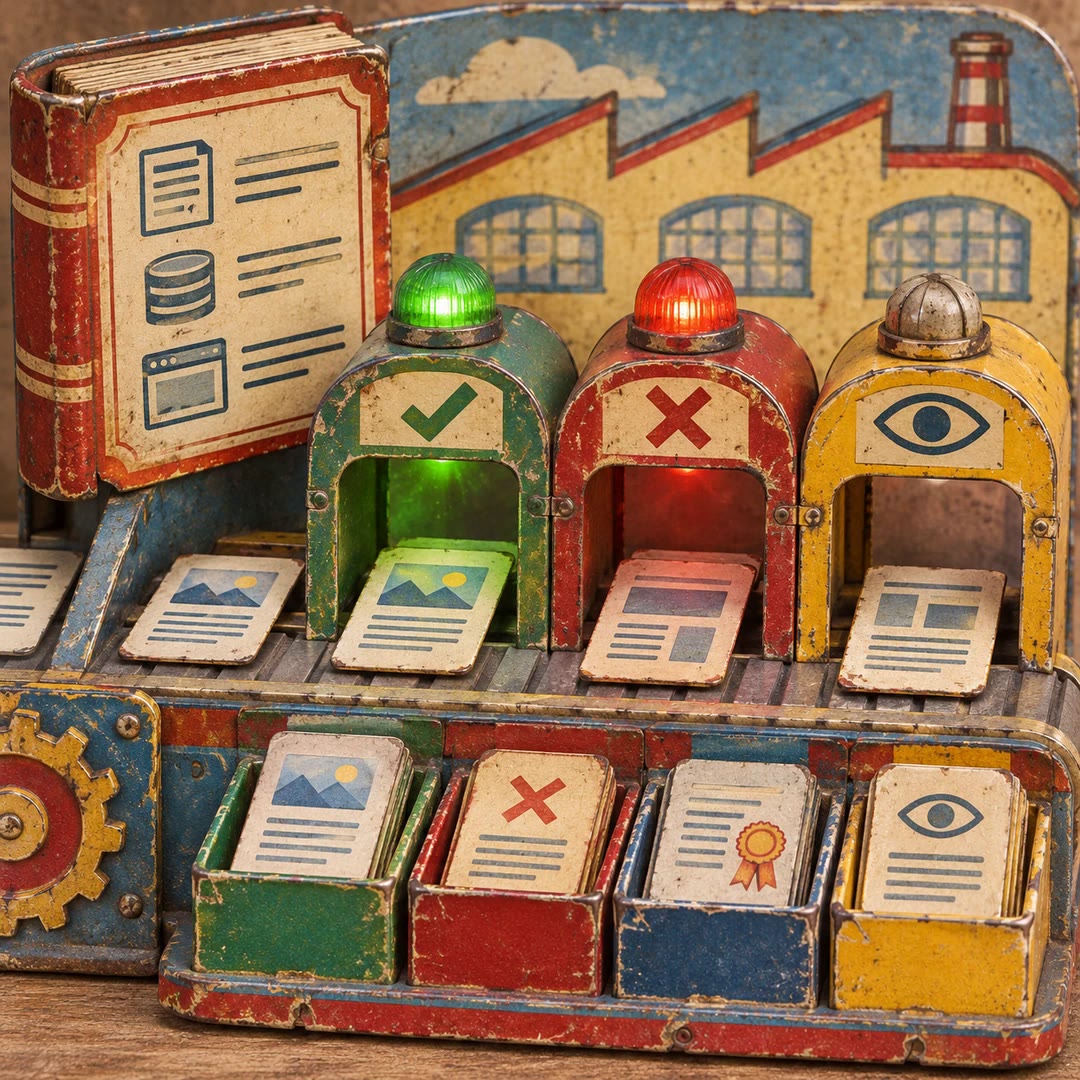
To check a notebook for browser use with AI, give wasm-compatibility a notebook intended for readers who will not install Python. An exercise that works on the author's laptop might call a local program or open a file that never reaches the student. Those assumptions are easy to miss when both the editor and the notebook run on the same machine.
The skill uses marimo's compatibility checks and reviews constraints of Pyodide and a browser runtime. A package can be available for desktop Python without having an appropriate browser build. Network restrictions and memory use also deserve a practical test. The report can separate known incompatibilities from things that need verification on the finished page.
What it does
- Check notebook imports for browser compatibility.
- Identify calls that depend on the operating system.
- Review local-file assumptions and external requests.
- Flag data volumes that may stress browser memory.
- Plan a focused browser test before release.
Install and use
- Install the skill in a compatible agent with the official marimo tools and an authorised notebook. Package checks may consult the Python package index.
- Ask “Check this class exercise for a browser-only release. Flag dependencies on my laptop and packages the browser cannot load.”
- Review the findings and test the exported notebook with representative data in the intended browser.
FAQ
Source
Made by marimo. Original skill: wasm-compatibility, published on GitHub under the Apache-2.0 licence.
View on GitHubRelated products
- SkillNew
Turn design rules into checks with AI
Create project-specific checks for content, source and rendered interfaces, with useful failures, documented exceptions and human visual review.
Free - SkillNew
Review website code with AI
Review a focused frontend change in ordered passes and receive severity-ranked findings with a location, a concrete problem and a suggested fix.
Free - SkillNew
Explore code with Graphify and AI
Use a local graph to find definitions, connections and possible change impact.
Free