Document code conventions with AI
Turn the patterns in an existing repository into a short route map for its next contributor.
A useful time to document code conventions with AI is just before a second team starts contributing to a long-running project. With style-guide, a developer can look up the actual test beside a similar change or find out where the current maintainers put shared utilities. The material comes from the repository you give it.
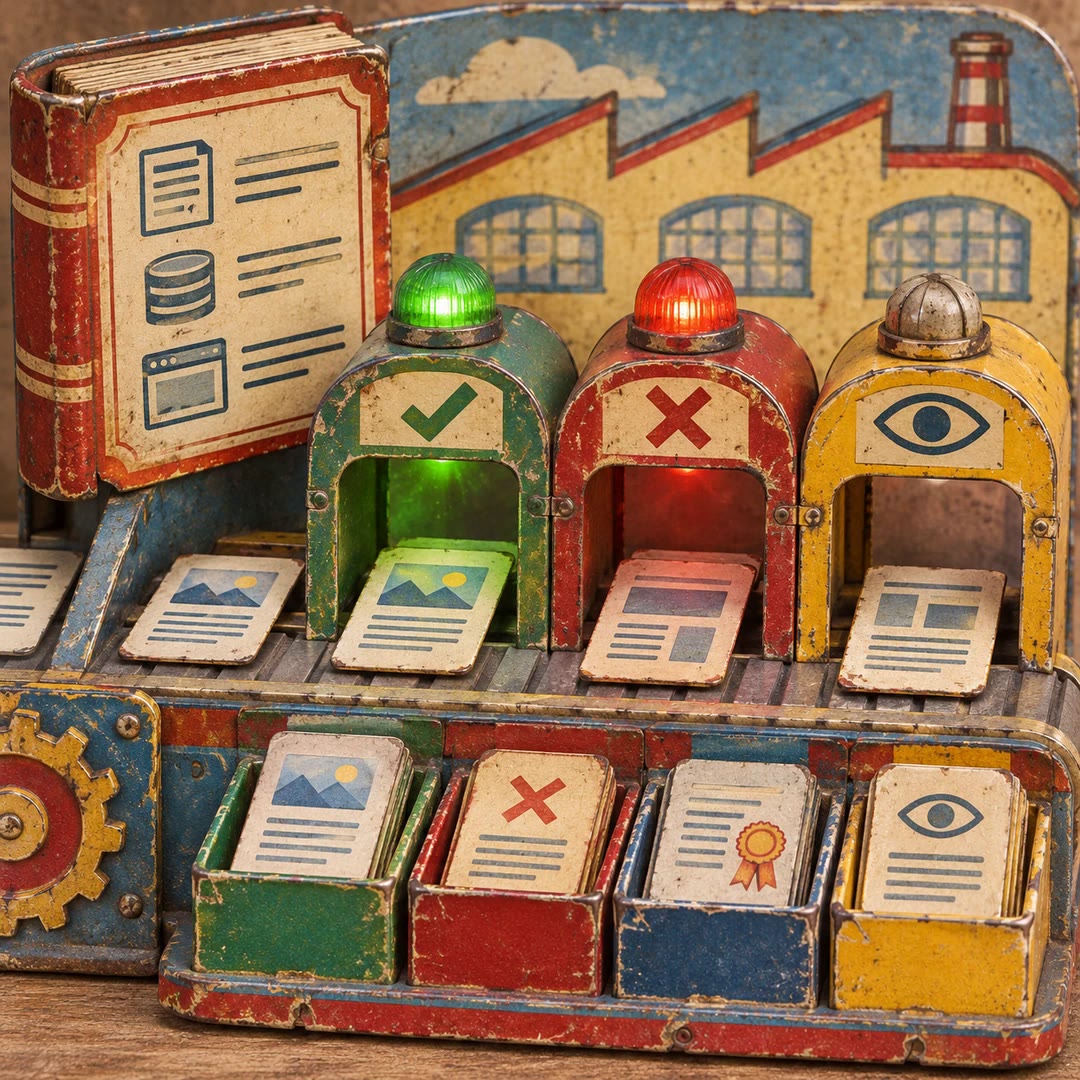
Five readers investigate different questions. One can follow folder structure while another checks error handling, so a broad rule can sit beside an exception found in an older module. Their results become a single Markdown file in the project.
What it does
- Give new contributors examples they can open during their first change.
- Find where integration tests live and how fixtures are set up.
- Compare naming conventions across modules that grew at different times.
- Document common component and styling patterns in a frontend.
- Point reviewers to the existing convention behind a requested change.
Install and use
- Load the skill and its five companion agents from the maker’s plugin in Claude Code. Open an authorised project where the guide can be saved.
- Ask, “Where should a new settings panel and its tests go? Build a project style guide and cite examples from nearby features.”
- Review the paths in .claude/codebase-style.md and check any excerpts before sharing the file with colleagues.
FAQ
Source
Made by Michael Boeding. Original skill: style-guide, published on GitHub under the MIT licence.
View on GitHubRelated products
- SkillNew
Turn design rules into checks with AI
Create project-specific checks for content, source and rendered interfaces, with useful failures, documented exceptions and human visual review.
Free - SkillNew
Review website code with AI
Review a focused frontend change in ordered passes and receive severity-ranked findings with a location, a concrete problem and a suggested fix.
Free - SkillNew
Explore code with Graphify and AI
Use a local graph to find definitions, connections and possible change impact.
Free