Check novel continuity with AI
Inspect a Story Skills manuscript for record conflicts, follow references between chapters and preview what a structural edit would affect.
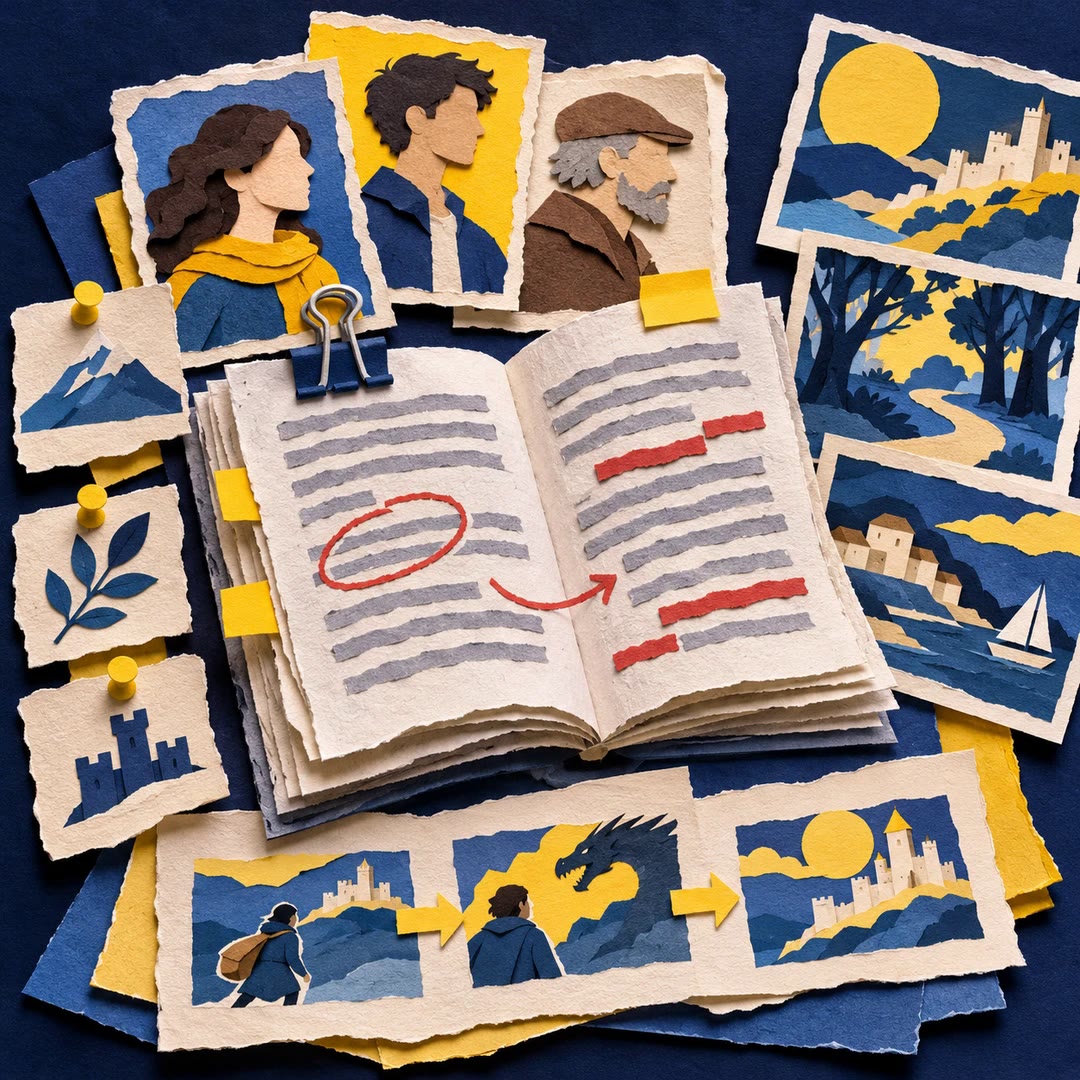
To check novel continuity with AI, begin with one piece of knowledge a character acquires. Suppose a witness discloses a hiding place in chapter seven, but an earlier chapter already records the protagonist acting on that discovery. The story-maintenance skill can compare chapter order against the clues and character records in your Story Skills project. It gives you places to reread.
A flag still needs a novelist’s judgement. A deliberately unreliable narrator may have a good reason to contradict an earlier account. Sometimes the scene is fine and the project record is out of date. Checking the record first helps you avoid rewriting a paragraph that already works.
What it does
- Find recorded clues whose payoff appears before their introduction.
- Check character references and look for chapters pointing to missing records.
- Get word counts for a manuscript or review progress across its chapters.
- Preview which scene records and references a move or merge would touch.
- Inspect export warnings for matter that still has a permission question attached.
Install and use
- Install the skill in your agent and point it at a Story Skills project. The bundled command-line tool needs Node.js 18 or later.
- Choose a specific read-only check first, such as continuity, links or counts.
- Open the passages named in the report and preview any proposed structural change before applying it.
FAQ
Source
Made by Daniel Dewhurst. Original skill: story-maintenance, published on GitHub under the MIT licence.
View on GitHubRelated products
- SkillNew
Design a story with AI
Keep your premise, characters, scenes and established facts together, then draft and revise within an organised writing project.
Free - SkillNew
Personal essay writing with AI
Develop your own structured notes into a focused draft in your writing voice
Free - SkillNew
Plan an application essay with AI
Explore real experiences, compare possible narratives and build an outline while keeping confirmed facts distinct from interpretations you have not accepted.
Free