Start a fiction project with AI
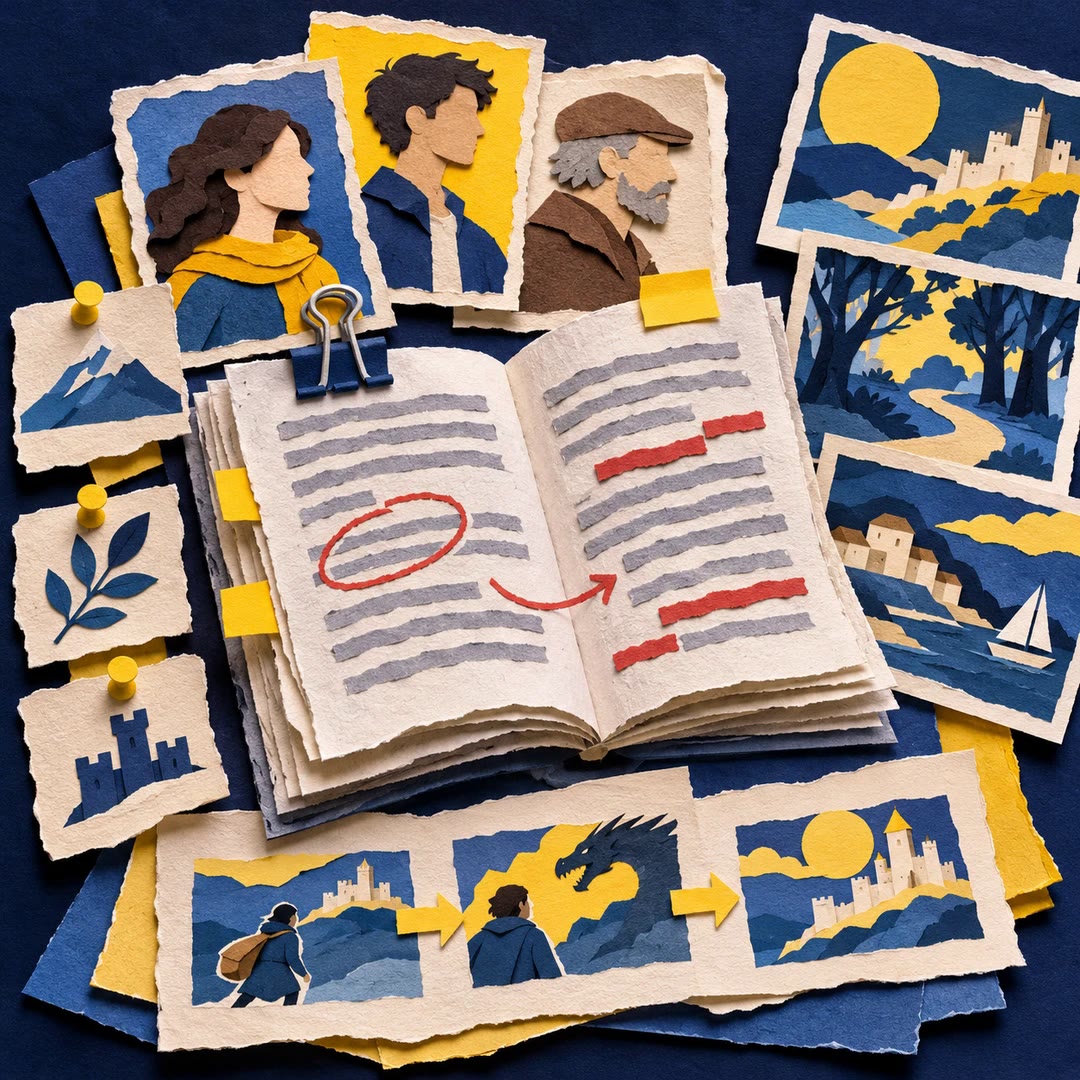
Give an existing story idea a home in Markdown, with a central story file and places to track chapters, characters and continuity as you draft.
Start a fiction project with AI once you know which story you want to tell. The story-init skill takes the working title, form, synopsis and narrative choices and sets up a folder of linked Markdown files. As the draft grows, you have somewhere to record what the reader has learned and when.
Imagine returning to a novella after a month away. Its opening voice and its tense are easy to check in the central story file. The one-sentence premise also gives you a test for the next scene. Does it bring the protagonist closer to the thing they want, or introduce a meaningful obstacle?
What it does
- Record a working title along with the genre, language and form.
- Keep point of view and tense available across writing sessions.
- Draft a logline connecting a protagonist, goal, obstacle and stakes.
- Create places for chapter progress, characters and the order of events.
- Track which details have been established without searching through scattered notes.
Install and use
- Install the skill in a file-capable agent and choose a new project folder. The maker’s Story CLI can create the files, and the included manual layout also works.
- Ask it to set up a first-person novella from your synopsis and leave the title provisional.
- Review the story bible and adjust the working premise before drafting the opening scene.
FAQ
Source
Made by Daniel Dewhurst. Original skill: story-init, published on GitHub under the MIT licence.
View on GitHubRelated products
- SkillNew
Design a story with AI
Keep your premise, characters, scenes and established facts together, then draft and revise within an organised writing project.
Free - SkillNew
Personal essay writing with AI
Develop your own structured notes into a focused draft in your writing voice
Free - SkillNew
Plan an application essay with AI
Explore real experiences, compare possible narratives and build an outline while keeping confirmed facts distinct from interpretations you have not accepted.
Free