Check RevenueCat settings with AI
Inventory a project’s apps, products, entitlements, offerings and webhooks before testing a subscription flow, and identify missing configuration links.
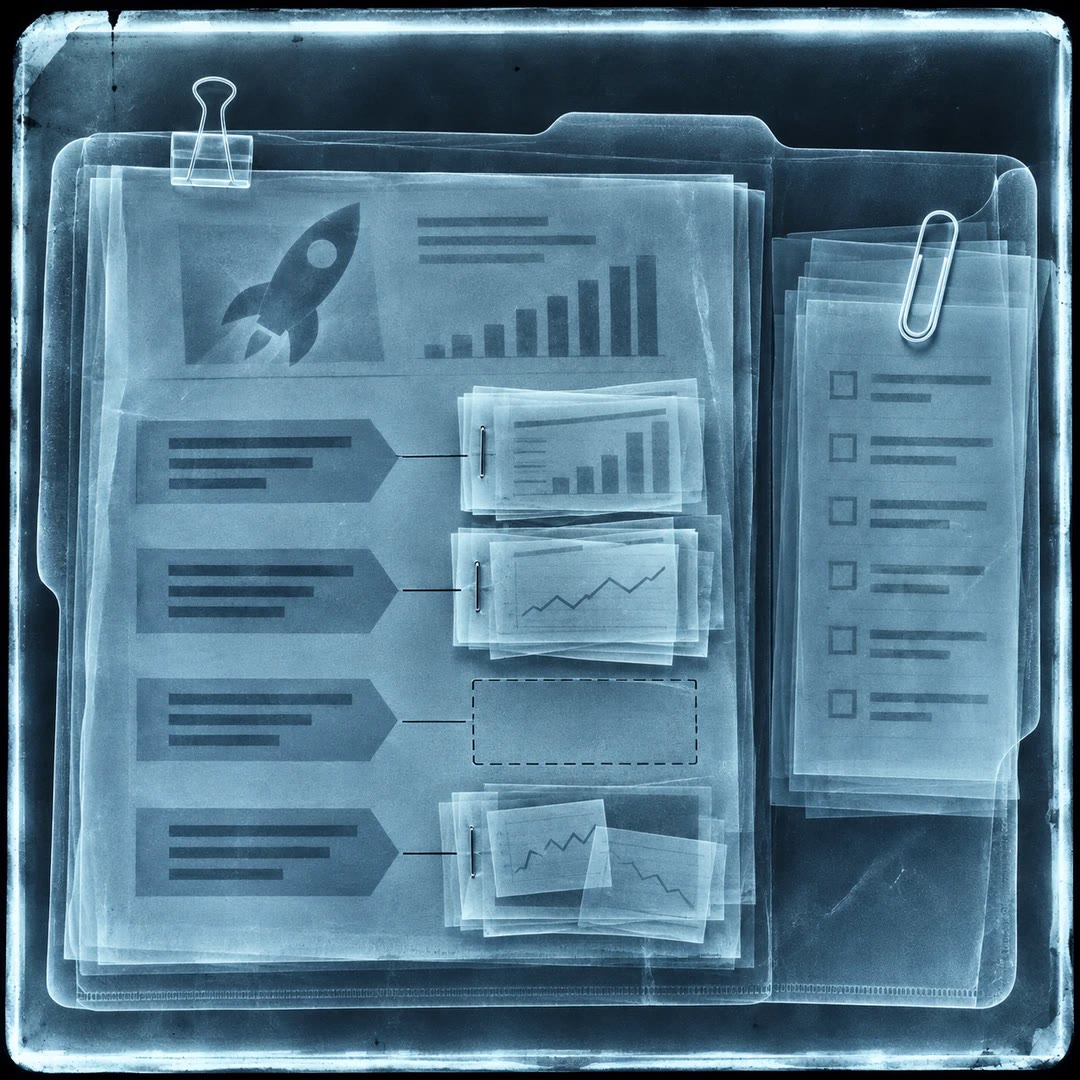
Check RevenueCat settings with AI when the mobile team has created a monthly product but the test purchase screen still offers nothing. The revenuecat-status skill helps an agent inspect the configuration of a named project. The product may exist while its offering has no package or the intended entitlement has yet to be linked.
The report is a useful starting point for a test, rather than evidence that a particular purchase completed. It also lists configured webhook destinations. If the results will be shared outside the implementation team, review those addresses before forwarding the report.
What it does
- List each app in a project and its platform.
- Locate products that have no entitlement attached.
- Identify an offering with no packages and see which offering is current.
- Check whether an app has products configured.
- Compare webhook destinations with the intended project environment.
Install and use
- Use an authorised RevenueCat account and the supported MCP connection or official CLI. Supply the project name to keep the report scoped to the intended environment.
- Ask, “Read the sandbox project and tell me whether the monthly product is connected to our Pro entitlement and a current offering.”
- Check any flagged configuration in the dashboard before testing the purchase flow separately.
FAQ
Source
Made by RevenueCat. Original skill: revenuecat-status, published on GitHub under the MIT licence.
View on GitHubRelated products
- SkillNew
Calculate break-even sales with AI
See how many units, hours or projects have to sell to cover a month’s fixed costs. Compare different prices and volumes in an editable Excel workbook.
Free - SkillNew
Calculate wholesale prices with AI
Apply the authorised company price list, currency and quantity tier, with a clear explanation of which rule determined the order price.
Free - SkillNew
Review startup claim evidence with AI
Trace important startup claims to supplied evidence, preserve conflicting sources and prepare a register of gaps and follow-up questions.
Free