Create a mock exam with AI
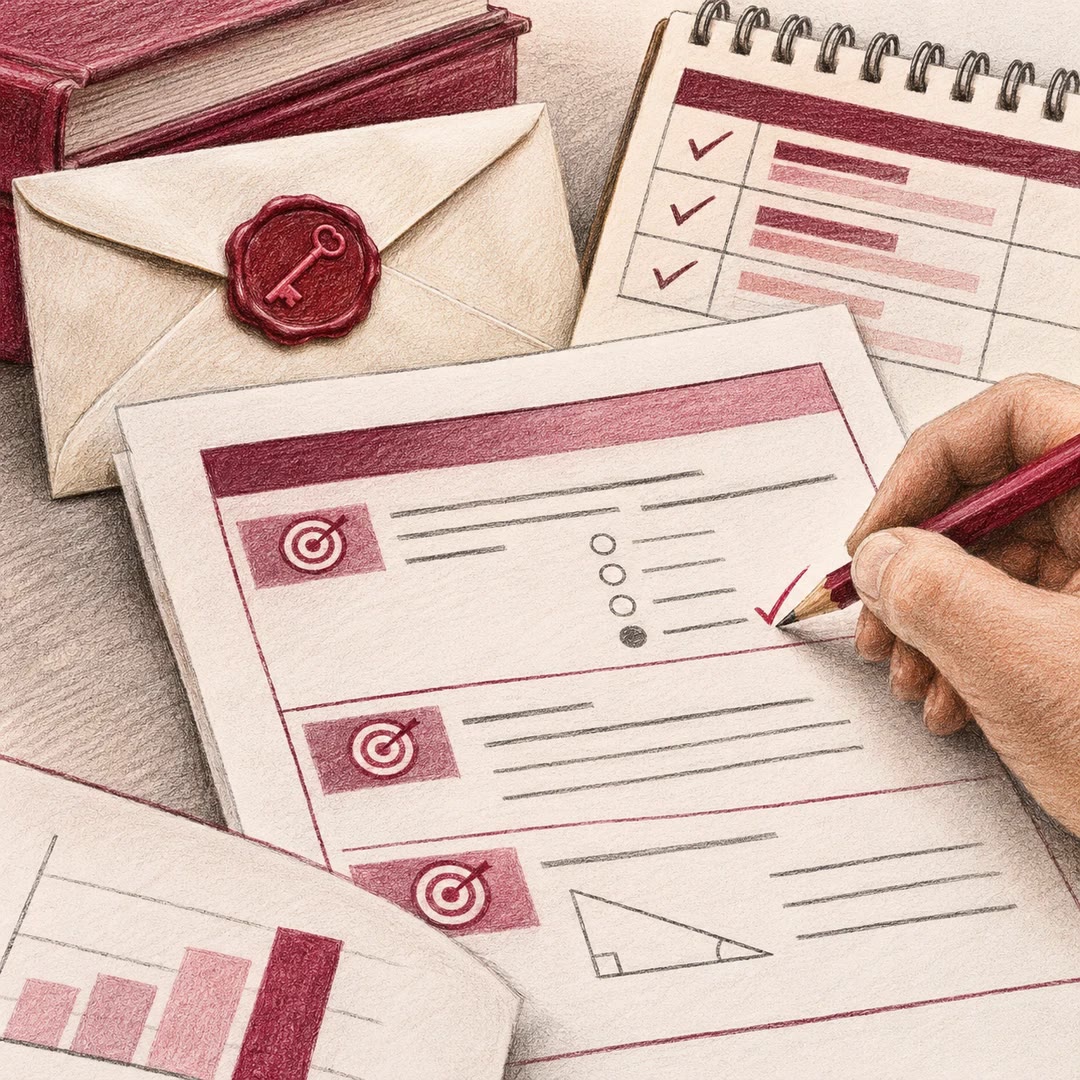
Build a printable practice paper from course material, with a point breakdown, a formula sheet and worked solutions in the same editable LaTeX project.
To create a mock exam with AI, start with what students were expected to do in class. A lecture on choosing a model and another on interpreting its output might deserve separate short questions and one combined problem. The mock-exams skill uses the selected lectures to plan coverage before writing the paper. You can specify a midterm or a final and the points available.
The practice paper includes a formula sheet and worked answers. Keep the answer section out of sight while attempting the questions. Afterwards, check which step a student could demonstrate for partial credit, rather than relying only on the final number.
What it does
- Set the syllabus boundary and exclude material beyond it.
- Mix recognition, explanation, application and cross-topic questions.
- Build a marks table whose parts add up to the intended total.
- Prepare a formula sheet aligned with the questions.
- Review worked solutions and edit the original LaTeX file.
Install and use
- Install the skill in a compatible agent. Provide authorised course material and a LaTeX distribution with the exam class and latexmk for PDF compilation.
- Ask, “Make a practice midterm for the first four lectures. Include a multi-part problem applying two of the topics.”
- Check a sample of answers, the point totals and the page layout before using the paper.
FAQ
Source
Made by anar (pomegranar). Original skill: mock-exams, published on GitHub under the MIT licence.
View on GitHubRelated products
- SkillNew
Learn text revision with AI
See each edit alongside its defect, concrete test and effect on the reader
Free - SkillNew
Design a classroom exam with AI
Build a paper around the learning outcomes, then prepare a separate key and marking guide. Review individual questions afterwards using anonymised response data.
Free - SkillNew
Make practice exams with AI
Create new questions against authorised books and a sample exam, or build flashcards by learning objective. Learners open the finished package offline.
Free