Practise writing in Mening with an agent
Retrieve your daily prompt, submit your own writing and revisit recurring mistakes from your Mening account
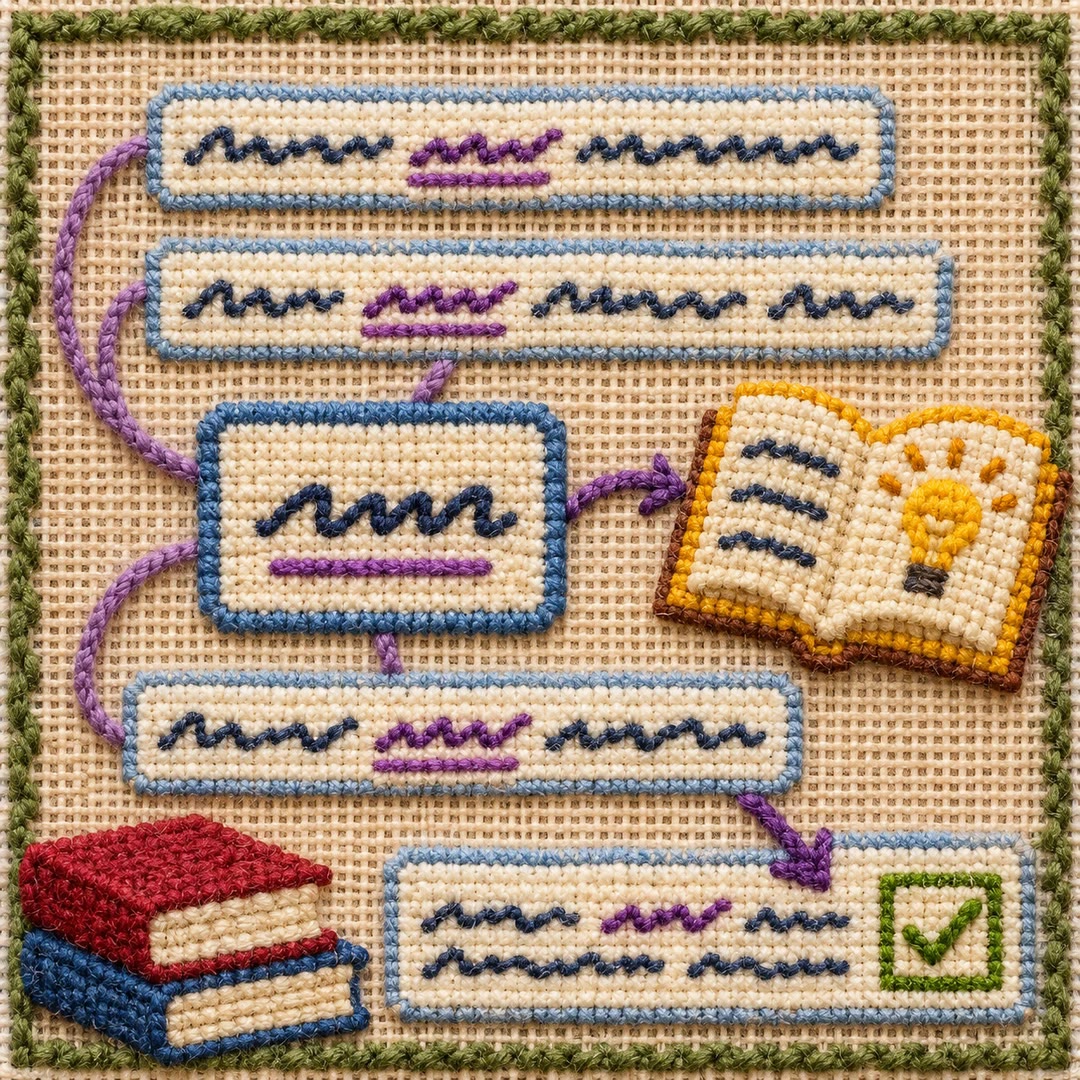
Practise writing in Mening with an agent when you want your daily language exercise inside your usual conversation. The mening skill connects to your account to retrieve prompts, submit writing and read back corrections or recurring error patterns.
Your original sentence should reach the service unchanged. Having the agent polish it first would hide the mistakes you meant to practise. Mening stores writing and feedback and uses Anthropic for correction; the hosting agent also processes conversation content. This is an account-based online workflow.
What it does
- Fetch the daily prompt for your chosen learning language
- Submit a sentence you wrote without preliminary correction
- Compare the original wording with the service’s feedback
- Review recurring grammatical or vocabulary mistakes
- View tracked mistake patterns and your practice streak
- Ask for practice informed by the account’s tracked patterns
Install and use
- Install the skill in an agent with Bash, curl and jq. Prepare your own Mening account and API token, storing the token in the environment rather than chat.
- Choose your learning language in the account, then ask: “What is my writing prompt today?”
- Write your own response and ask the agent to submit that exact text rather than improving it first.
- Read the correction, then consult recurring patterns before attempting another exercise.
FAQ
Source
Made by avlihachev. Original skill: mening, published on GitHub under the MIT licence.
View on GitHubRelated products
- SkillNew
Practise English reading with Chinese support and AI
Read a supplied passage through progressively lighter Chinese scaffolding, identify recurring sentence patterns and use them in sentences of your own.
Free - SkillNew
Learn English words in context with AI
Infer a word’s meaning from sourced sentences, receive help where needed and check whether you can recognise its use in a new situation.
Free - SkillNew
Read English with AI and Chinese explanations
Work from authorised book-page photos to Chinese explanations, one discussion question and vocabulary in reading order, with images when your host supports them.
Free