Audit website accessibility with AI and Axe
Give Axe a test page, apply fixes where the relevant components live and see which findings survive another scan.
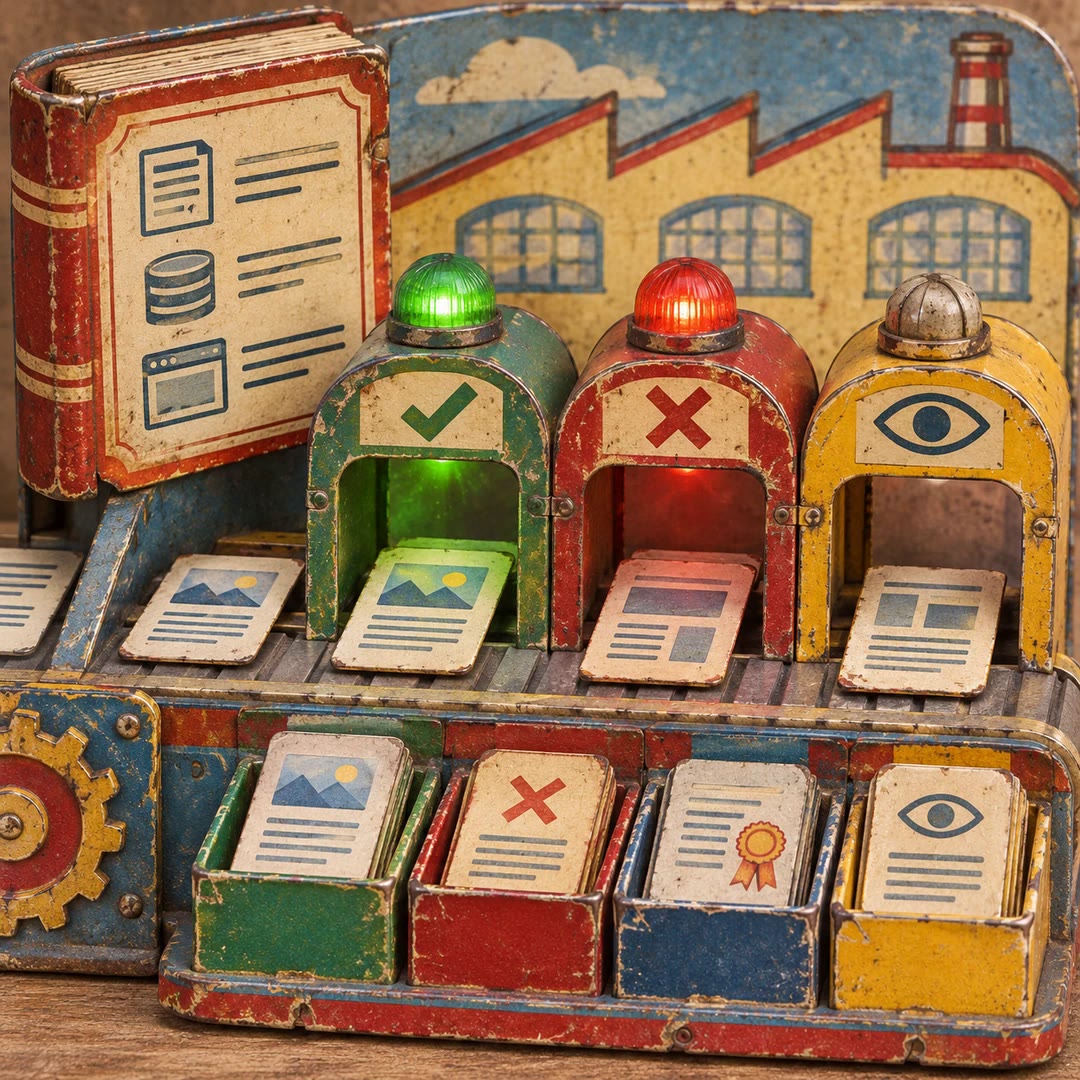
You can audit website accessibility with AI and Axe on a single development page where your team can actually change the code. The mcp-audit skill takes the findings from a scan through suggested corrections, source edits and another scan of the same address.
A checkout dialog is a good starting point. Its close icon and delivery choices have different purposes even if both fail the same rule. The agent keeps their findings separate, then decides whether they share an underlying component.
What it does
- Inspect each reported element in its own context.
- Apply a correction to the component responsible for repeated failures.
- Request a guided keyboard test or check how focus returns after a dialog closes.
- Stop after an agreed number of rounds, or sooner when an edit makes no progress.
- Review the outstanding items and any guided test that ended early.
Install and use
- Install the skill and connect the official Axe MCP Server. Use a sanitised test page. Remediation and guided tests need a paid entitlement and credits.
- Ask “Check this checkout page, apply fixes in the project and stop after three rounds.”
- For a dialog test, identify the control that opens it. Review the resulting code changes before they reach the live site.
FAQ
Source
Made by Deque Systems. Original skill: mcp-audit, published on GitHub under the MIT licence.
View on GitHubRelated products
- SkillNew
Turn design rules into checks with AI
Create project-specific checks for content, source and rendered interfaces, with useful failures, documented exceptions and human visual review.
Free - SkillNew
Review website code with AI
Review a focused frontend change in ordered passes and receive severity-ranked findings with a location, a concrete problem and a suggested fix.
Free - SkillNew
Explore code with Graphify and AI
Use a local graph to find definitions, connections and possible change impact.
Free