Create campaign visuals with AI
Plan the role of each image and produce compatible variants for a landing page, social placement or banner from the same approved offer.
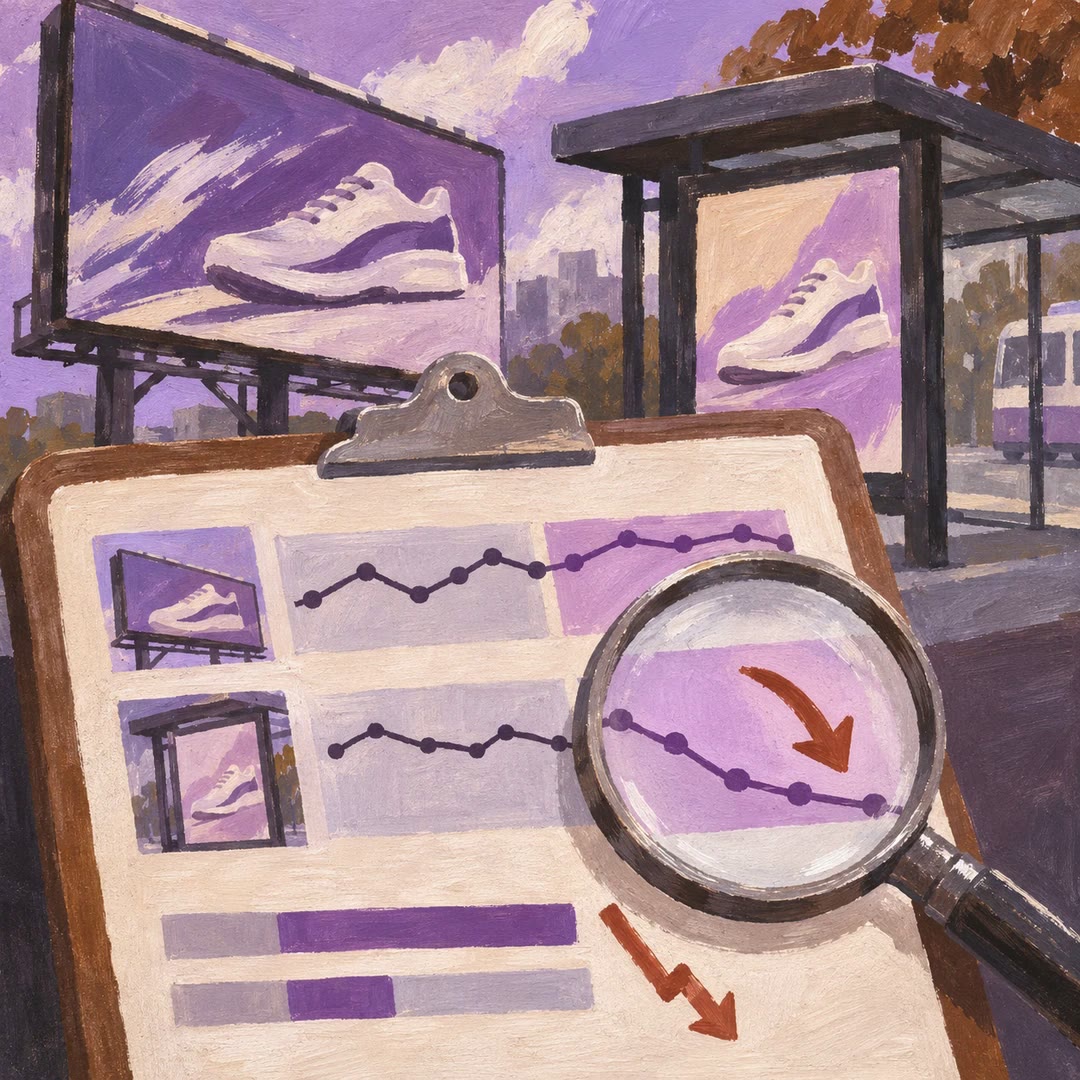
To create campaign visuals with AI, decide what each asset contributes. A launch image might introduce the problem, while a second frame shows the real product or an approved screenshot. The marketing guide maps those roles to channels, formats and available space for copy before generation begins.
Keep a comparison fair. If the question is which opening catches attention, preserve the offer, product and crop while varying the opening idea. Changing several things at once makes the results harder to interpret. The skill prepares creative material; measured performance comes from the campaign after it runs.
What it does
- Plan the main launch image and supporting assets
- Develop alternative openings for one offer
- Adapt the composition to channel dimensions
- Reserve room for a headline or button
- Record the concept and output for each version
Install and use
- Install the skill and official genmedia CLI or authorise fal tools. Rendering requires an account and usage credit. Provide approved brand material, a campaign offer and the required sizes.
- Ask “Create a hero image and two vertical openings for this launch. Keep the product and offer fixed and vary how the viewer first sees them.”
- Inspect each asset at its final size and check that interface controls will not obscure the product or headline.
FAQ
Source
Made by fal-ai-community. Original skill: marketing, published on GitHub under the MIT licence.
View on GitHubRelated products
- SkillNew
Make an AI advert with OpenClip
Choose an available AI presenter and generate a short vertical advertisement from a structured creative brief.
Free - SkillNew
Diagnose Google Ads performance with AI
Compare an active campaign across two periods to investigate lost conversions, fewer leads or a drop in the share of impressions it could have won.
Free - SkillNew
Write a marketing report with AI
Compare campaign results by channel, explain the important changes and propose measurable next steps for the people reading the report.
Free