Find untranslated UI strings with AI in Lingui
Audit visible application copy, separate it from technical identifiers and introduce a local check that can catch the next untranslated label.
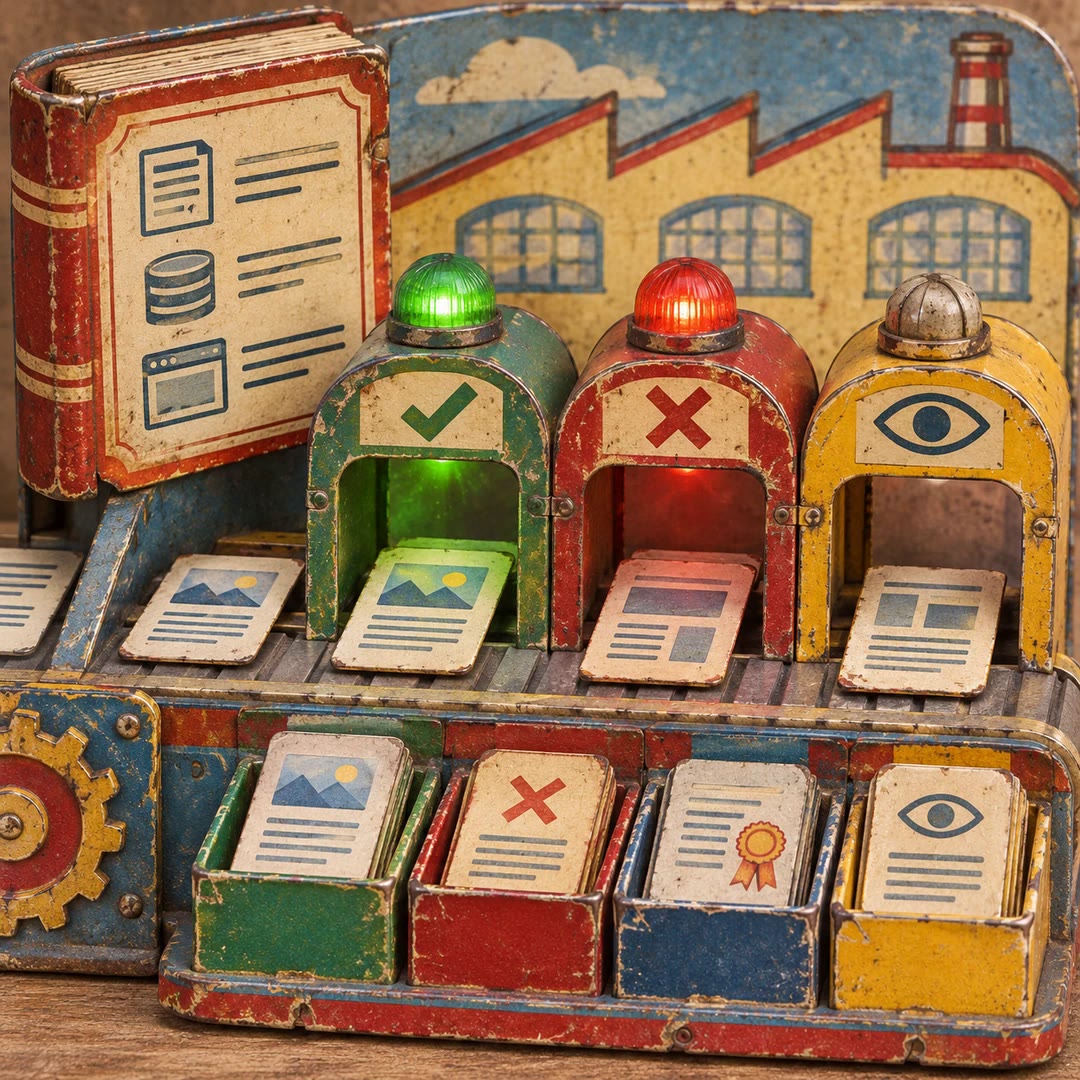
Find untranslated UI strings with AI in Lingui when a product badge survives a language change in English. The find-unwrapped-strings skill helps an agent scan the source rather than relying on the handful of screens somebody remembers to check. Results include technical strings, so the review traces where each candidate ends up.
A product category used as an internal identifier may sit beside the label customers actually read. Translating both could break filtering. Ignoring the whole file would leave the badge untouched. Examining each value’s role gives the team a defensible reason to change one and preserve the other.
What it does
- Find visible labels in data modules as well as components.
- Record a source location alongside each candidate.
- Keep routing slugs, enum values and diagnostic logs outside the translation catalogue where appropriate.
- Wrap confirmed messages using the conventions already present in the project.
- Run the check again and report fixes and justified exclusions separately.
Install and use
- Use a local Lingui project, ESLint, its documented rule and the companion guidance on strings that should stay unwrapped. Enable the rule in project configuration.
- Ask, “Audit checkout and explain which visible labels need wrapping and which hits are internal keys.”
- Review the changes in the relevant screens, then rerun the scan to check what remains.
FAQ
Source
Made by Lingui. Original skill: find-unwrapped-strings, published on GitHub under the MIT licence.
View on GitHubRelated products
- SkillNew
Turn design rules into checks with AI
Create project-specific checks for content, source and rendered interfaces, with useful failures, documented exceptions and human visual review.
Free - SkillNew
Review website code with AI
Review a focused frontend change in ordered passes and receive severity-ranked findings with a location, a concrete problem and a suggested fix.
Free - SkillNew
Explore code with Graphify and AI
Use a local graph to find definitions, connections and possible change impact.
Free