Write educational image prompts with AI
Turn a lesson objective into an illustrated brief with exact labels, a layout and a visual example.
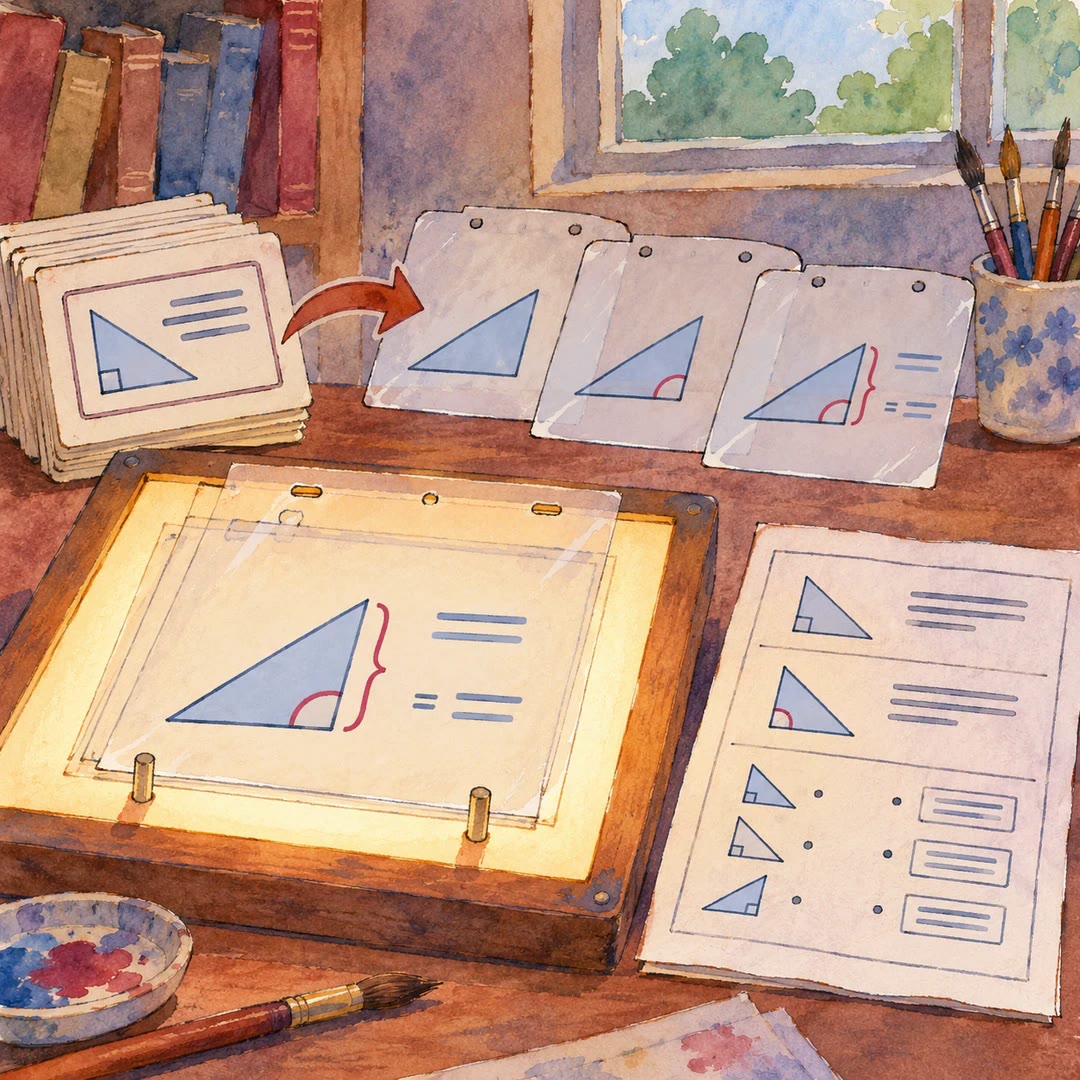
Write educational image prompts with AI when a classroom illustration needs to explain something precise. Give edu-image-prompt the idea and the learner's likely sticking point. For a comparison of two shapes, for instance, you could ask for matching examples with their differences marked.
The agent identifies things an illustrator could draw, chooses a few visual modules and writes the prompt in five blocks. The canvas, heading, content, drawing style and text constraints each get their own instructions. Design notes follow the finished prompt.
What it does
- Turn an abstract definition into a picture with a familiar analogy.
- Lay out the stages of a process with numbered steps and clear arrows.
- Specify the short labels that should appear beside each illustration.
- Plan a wide slide or a portrait study card for a different audience.
- Reuse the visual style of an earlier card for another lesson.
Install and use
- Install the skill in your agent. Drafting needs no additional account. To render the image, use an image generator you can access.
- Describe the topic, audience and format. Try “Make a revision card that shows why a shadow changes length during the day.”
- Read the proposed labels and visual order. Paste the finished prompt into your generator and check the rendered words before using the card.
FAQ
Source
Made by techdou. Original skill: edu-image-prompt, published on GitHub under the MIT licence.
View on GitHubRelated products
- SkillNew
Turn slides into animated lessons with AI
Build browser-based worked lessons, practice and matching PDF worksheets from authorised slides, using shared data and checked calculations.
Free - SkillNew
Build interactive lessons with AI
Design a browser lesson around a visible learning goal, meaningful activity and response-specific feedback. Default delivery is a page hosted on your local network.
Free - SkillNew
Simple explanations with AI
Match vocabulary, examples and depth to an audience you specify
Free