Resize Canva designs with AI
Create editable versions of a campaign for different placements. Specify the platforms, aspect ratios or exact dimensions, then review each result in Canva.
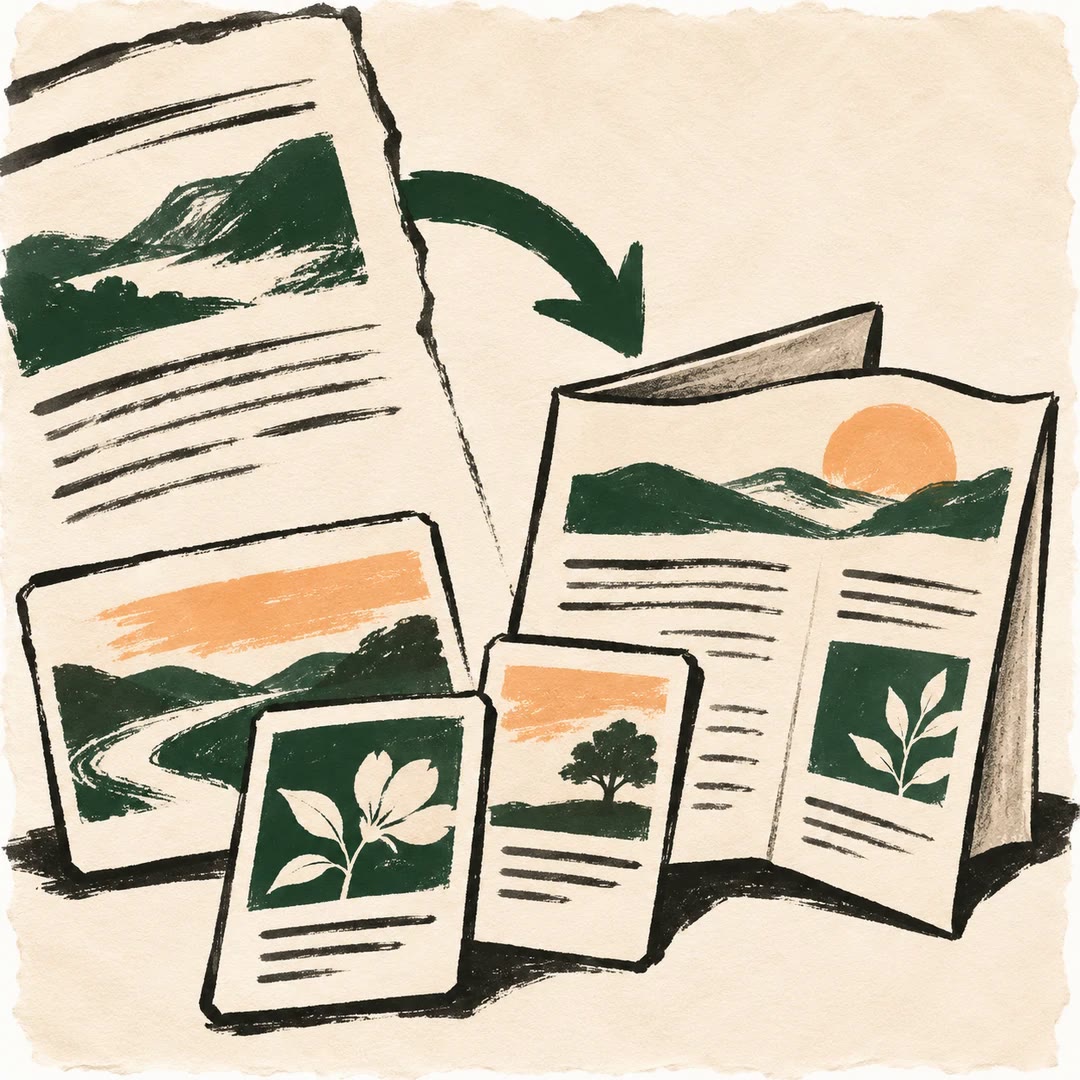
To resize Canva designs with AI, give canva-resize-for-social-media the source design and the placements your campaign needs. A square post, vertical story and landscape banner can all begin with the same artwork. Naming the placement helps the agent choose a canvas and makes the resulting files easier to identify.
A media buyer may already have supplied exact pixel dimensions. Those take precedence over a generic platform preset. The skill groups identical target sizes, creates a design for each distinct canvas and reports successes and failures. You can open each copy to check whether a headline or photograph needs a final adjustment.
What it does
- Create a vertical story from a campaign design.
- Prepare a portrait feed version for a named channel.
- Use custom pixel dimensions supplied by a publisher.
- Avoid duplicate work when two placements share a canvas size.
- Inspect editable versions and see which requested sizes succeeded.
Install and use
- Install the skill and connect a Canva account with design access and the resize feature.
- Ask “Make a portrait feed version and a vertical story from this launch poster. Show the planned dimensions.”
- Open the returned designs and inspect crop, text spacing and margins before using them.
FAQ
Source
Made by Canva. Original skill: canva-resize-for-social-media, published on GitHub under the Apache-2.0 licence.
View on GitHubRelated products
- SkillNew
Turn an article into social posts with AI
Adapt supplied material into platform-shaped drafts and build a reviewable content calendar around your real production capacity.
Free - SkillNew
Repurpose content with an agent
Adapt one authorised source into distinct social and newsletter drafts
Free - SkillNew
Creator bio writing with AI
Turn your own facts into profile biographies suited to five platforms.
Free